DON'T GET HIT
Step out of your car and witness BeamNG traffic mayhem on foot. Reach predetermined destinations as you dodge your way to survival — one hit ends the run. A pedestrian survival mod for BeamNG.drive.
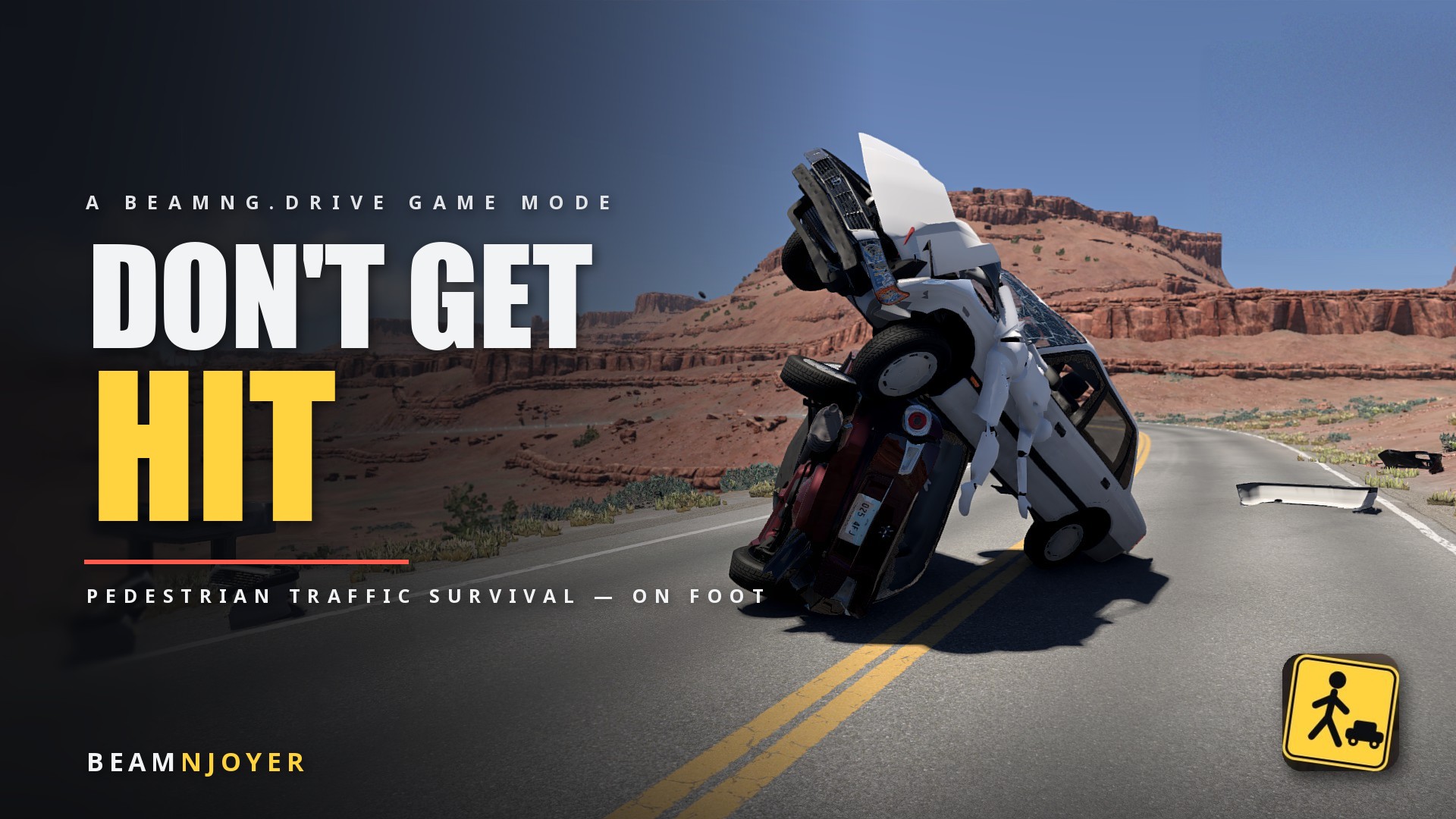
Don't Get Hit
$5The full experience: GPS-guided destinations, incoming kamikaze jets, doom cam, FPS relief, and the complete custom HUD.
VERSION 1.3
Features
- Tweaked traffic behavior, with various settings, tailored to every player and situation.
- Character Ragdoll upon being hit. First and Third Person views available.
- Drivers and Passengers in traffic.
- Kamikaze Jets with a blast radius.
- Flashlight for night runs.
- End of the run score, if you wish to compete with your friends.
- Collectible BeamNG Tokens, each provides extra points at the end of your run.
- Bored? Just watch the mayhem. Collecting checkpoints is not required.
🛞
In development
Take the chaos behind the wheel — survive the same traffic from inside your own car.
Install & play
- Drop the zip into your BeamNG mods folder: %LocalAppData%\BeamNG\BeamNG.drive\current\mods\ (don't unzip it). Can't find it? Launcher > Manage User Folder > Open in Explorer.
- Launch BeamNG.drive and start Freeroam — West Coast USA is the flagship arena, but any map with AI-drivable roads works.
- Add the HUD: UI Apps / HUD Layout > Add app > Don't Get Hit — HUD, then place it and save the layout.
- Hit START RUN in the HUD. You'll be teleported to a random road on foot, traffic spawns, countdown runs — GO.
- Pick a destination — then don't get hit.
Updating? Updates are free: re-download the latest version from Product Activation with your existing license key, then delete the old dont_get_hit zip from your mods folder before adding the new one.